
Find Outagamie County Probate Court Records
Outagamie County Probate Court Records can help you locate an estate, a guardianship, or another court file tied to an Appleton address or a county filing. The best path is usually simple. Start with the public docket, then use the county office names to see who keeps the paper, who copies it, and who can point you toward the right form. If you already know the name or year, the search gets faster. If not, the county and state tools still give you a clean way to narrow the record without guessing at the wrong office or the wrong case type.
Outagamie County Probate Overview
Outagamie County Probate Court Records Office
Outagamie County routes probate work through a set of local offices that each play a part in the record trail. The register in probate is listed at 920-832-5601, the clerk of courts at 920-832-5131, and the register of deeds at 920-832-5095. WRIPA places the probate office in Appleton at 320 S. Walnut Street, which gives you a useful street-level check before you make a call or plan a trip. That mix of phone numbers and office names makes Outagamie County Probate Court Records easier to sort because you can match the request to the office that most likely holds the paper.
The Wisconsin Law Library county page for Outagamie County is a good local index when you want to confirm the probate office path without bouncing across a lot of state pages. It supports the same basic route the county uses, which is one office for the record, one office for the docket, and one office for related deed work. That is useful if a probate file may also touch a real property note or another county record. Outagamie County Probate Court Records often make more sense once you see which office owns each step.
WRIPA's directory at Directory of Wisconsin Probate Offices is another useful check because it points back to the Appleton probate office at 320 S. Walnut Street. The circuit court administrative districts page at Wisconsin circuit court administrative districts can help when you need the wider court contact path behind a probate matter.
This Outagamie County probate image comes from the county law library page at Wisconsin Law Library.
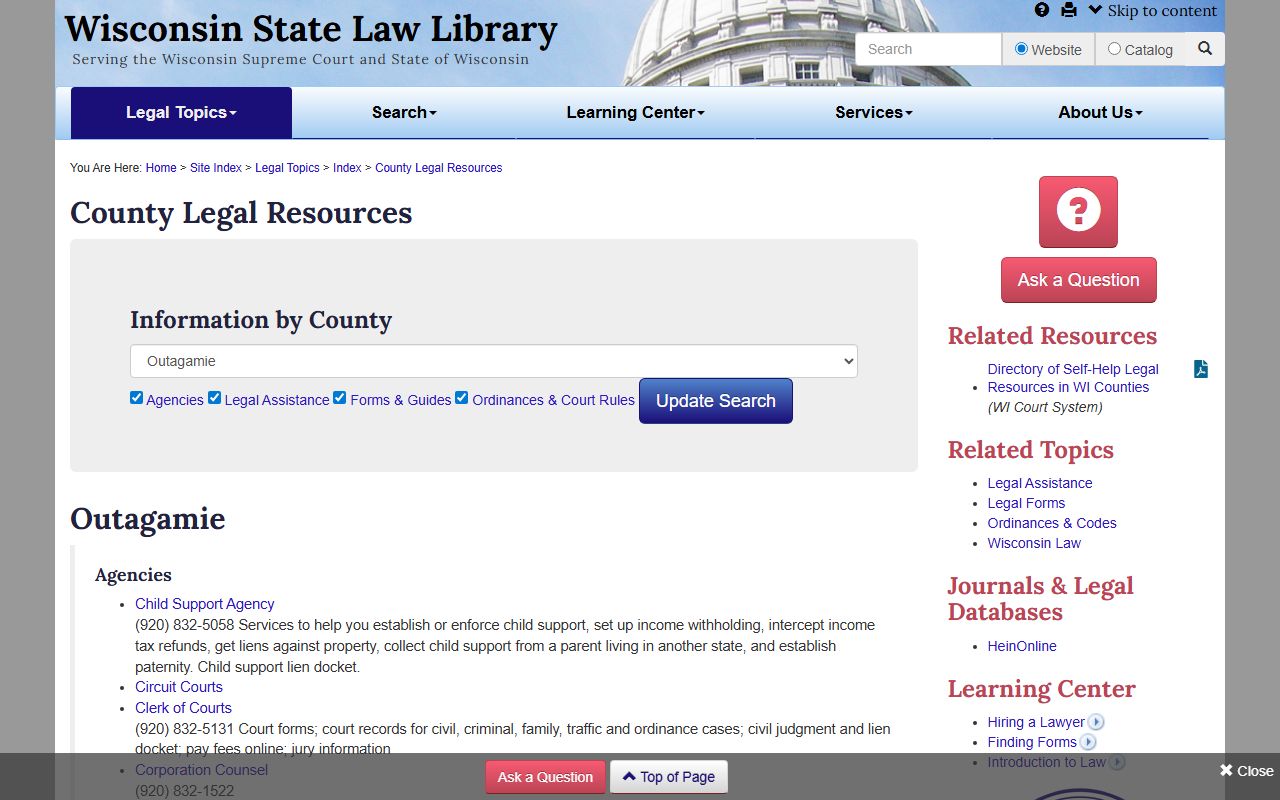
Use that county page when you want a local guide to the offices and the public record path that surrounds a probate file.
Outagamie County Probate Court Records Search
The state case tools are the best first stop when you need a public docket. Wisconsin case search, WCCA, and the CCAP access page can show you the public trail before you ask the county for a copy. That is a smart move in Outagamie County because it keeps your request tied to a real case number or a clear filing year. When you know whether the file is an estate, a guardianship, or another probate matter, the local office can move much faster and with less back and forth.
The Wisconsin court forms page and the state probate help page are also worth using early. Circuit court forms give you the current packet, while Wisconsin probate self-help explains the basic probate path in plain terms. Those pages are useful even when the file has not been filed yet, because they help you tell the difference between a filing task and a copy task. Outagamie County Probate Court Records are easier to track when the forms, the docket, and the office names all line up on the same search.
This Outagamie County probate image comes from the WCCA page at Wisconsin WCCA.
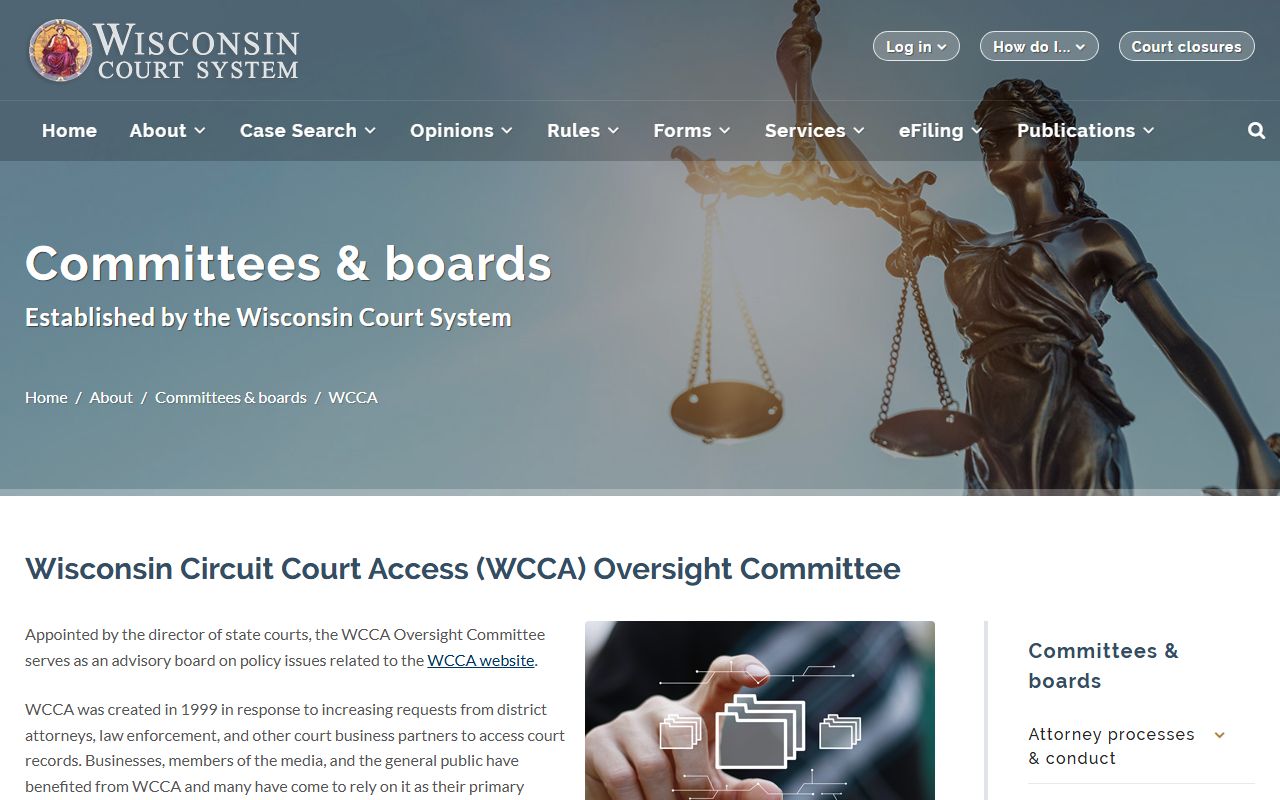
That page is a strong check when you want the state court access path that sits behind a county probate file.
Outagamie County Probate Court Records Forms
Use the current state forms whenever a probate search turns into a filing step. The Wisconsin court forms page gives you the packet that matches current court practice, and that matters because probate work can shift from a simple estate check into a guardianship packet or another court form set. Outagamie County Probate Court Records are easier to manage when you keep the form current and keep the office route clear. That keeps you from filing the wrong paper or asking the clerk to sort out a packet that belongs with the probate office instead.
If you are still deciding where the file belongs, call the register in probate first. The county numbers are direct, and they help you tell whether the record should stay with probate, move through the clerk of courts, or also touch the register of deeds. The register of deeds phone is useful when the matter includes a property angle, while the clerk can help when the question is docket based. That office mix is part of what makes Outagamie County Probate Court Records searchable from several sides at once.
The county law library page, the state forms page, and the probate self-help page work well together when you need a form, a filing hint, and a plain language overview. You can use the law library page to confirm the county route, the state forms page to get the current packet, and the self-help page to keep the task focused on probate rather than on a broad court search. That sequence keeps the work simple and keeps your request tied to the right local office from the start.
Outagamie County Probate Court Records Access
For copies, start with the local numbers and the case details you already have. The register in probate is 920-832-5601, the clerk of courts is 920-832-5131, and the register of deeds is 920-832-5095. Those phone lines help you find out which office holds the file, which office can copy it, and which office should be left out of the request. A full name, a filing year, and a case type usually make the search much cleaner. If you do not have a case number, the docket tools can still help narrow the file before you call.
WRIPA lists the probate office in Appleton at 320 S. Walnut Street, which gives you another local point of contact if you need a street address or a directory style check. That is helpful when a request is moving by mail or when you want to confirm the office location before you go in person. Outagamie County Probate Court Records may be filed in more than one place depending on the matter, so asking the county office which room or desk handles the paper is often the fastest way to avoid a second trip.
The county page, the WRIPA directory, and the state admin district page are most useful when the file has already moved through more than one office. They give you a quick way to confirm the local path without guessing at where the record lives. That is especially helpful in a county where the clerk, the probate office, and the register of deeds can all touch the same family matter in different ways.
If the matter is already public, use WCCA and the Wisconsin case search tool first, then move back to the county office for the copy. If the file is not public, the office can still tell you whether the request belongs with probate or with the clerk. That makes the search path shorter and keeps the county work tied to the actual record rather than to a guess. Outagamie County Probate Court Records are easiest to manage when each step has a clear office and a clear purpose.